
Launch real-world workflows from a QR code
Turn places, objects, merchants, rooms, assets, packages, and documents into workflow triggers — with hosted forms, routing, status, audit, APIs, and webhooks built in.
Built for pilot launches, operational workflows, and use-case/workflow polishing before enterprise integrations.
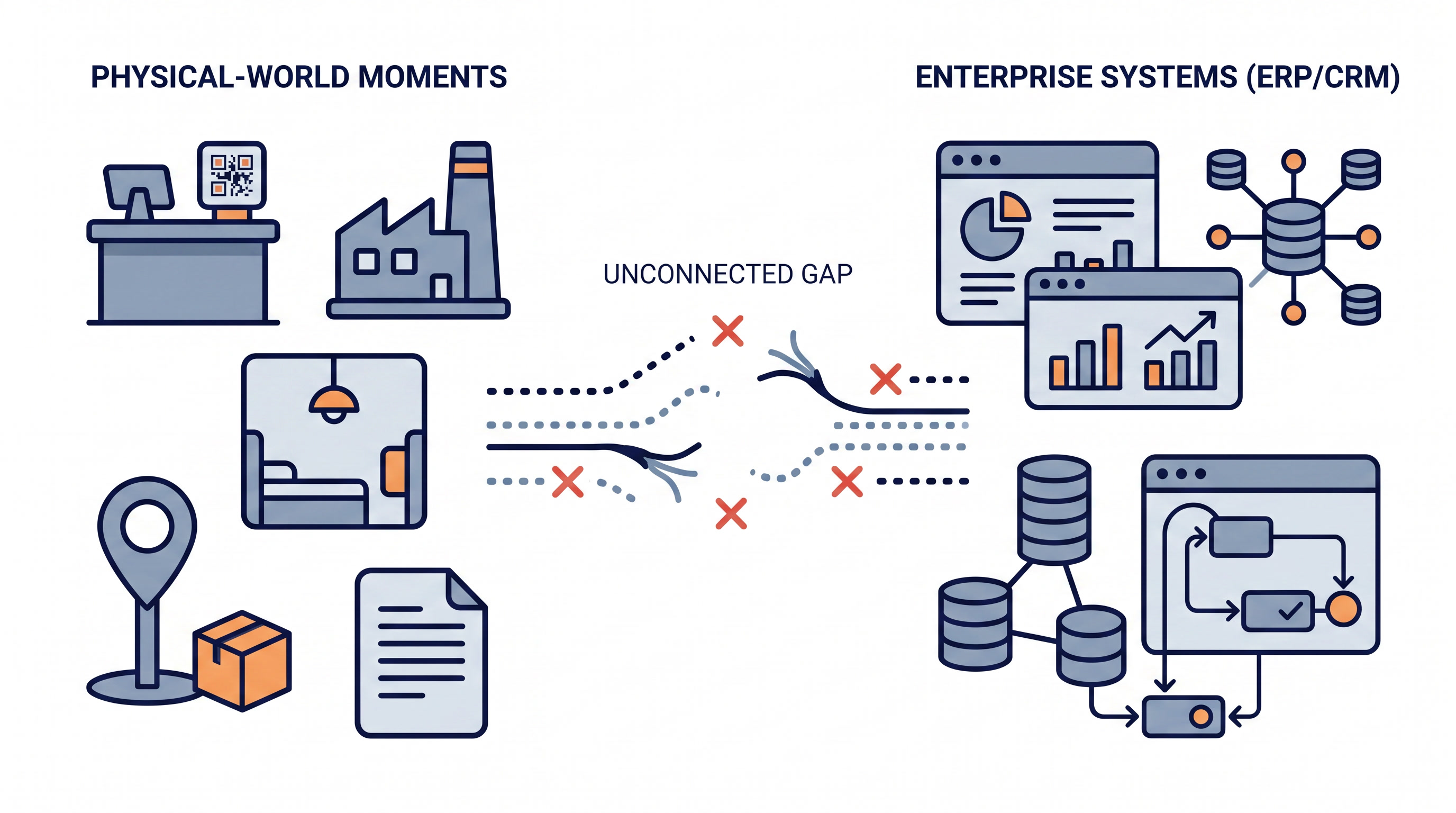
Physical-world moments rarely fit cleanly into enterprise systems
A customer is at a counter. A technician is next to a machine. A package changes hands. A partner is ready to register.
The moment happens in the real world, but the process lives somewhere else — in a CRM, ERP, ticketing system, spreadsheet, mailbox, or custom internal tool.
QRcodeon.com provides the missing workflow layer between the physical trigger and the system action.
From physical scan to system action
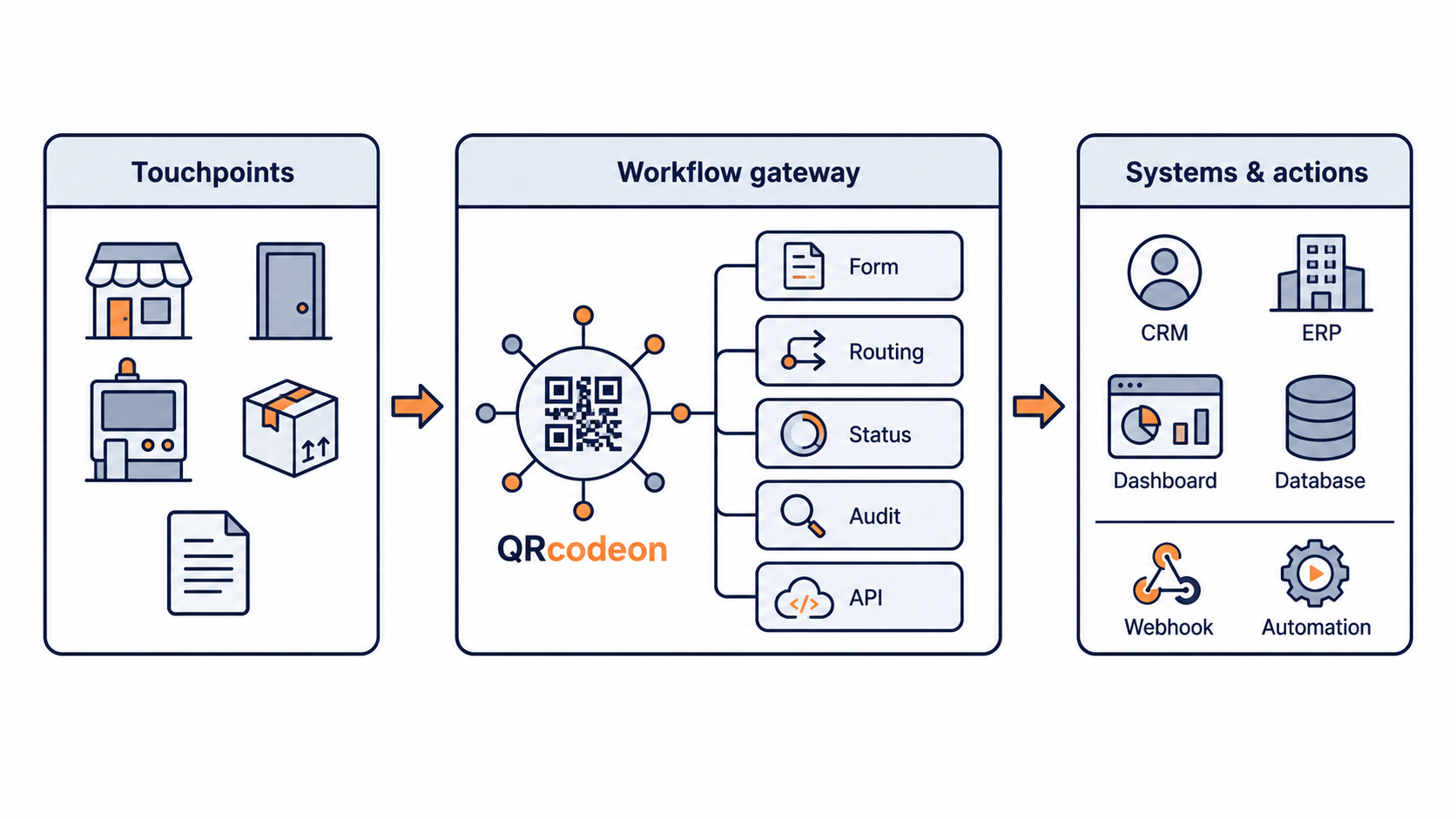
A QR scan gives QRcodeon the physical context. The workflow layer captures input, routes the event, tracks status, and hands the result to the systems that need it.
- 01
Scan a touchpoint
A QR code on a counter, room, asset, package, or document identifies the physical context.
- 02
Open the right workflow
QRcodeon opens the hosted page or form configured for that exact touchpoint.
- 03
Route and track the event
The workflow applies rules, ownership, status, SLA, and audit trail.
- 04
Hand off to systems
Send the result to dashboards, APIs, webhooks, automation tools, or enterprise systems.
The same flow can power onboarding, service requests, inspections, handovers, feedback, and other physical-world workflows.
What QRcodeon adds after the scan
A QR code is only the trigger. QRcodeon adds the hosted workflow, state, routing, audit, and handoff layer that turns a physical-world scan into a usable business event. That event can be handled in QRcodeon, monitored in dashboards, or sent to existing systems through APIs and webhooks.
 Physical touchpoint
 Hosted workflow
 Workflow event
 System handoff
Touchpoint identity
Every QR code belongs to a real-world touchpoint: a counter, room, asset, package, machine, document, or service point. The scan tells the workflow exactly where and why the event started.
Means: Physical context is captured automatically.

Hosted scan pages
QRcodeon opens the right mobile page for that touchpoint, without requiring a custom app. The page can collect a request, report, confirmation, checklist, onboarding input, or feedback.
Means: One scan opens the right workflow front end.

Form and context capture
Collect the information needed for the specific workflow: issue type, amount, confirmation, checklist result, message, contact detail, or other structured input. The submission becomes a workflow event, not just a passive form response.
Means: Input becomes structured event data.

Routing, ownership, and status
Move the event through statuses, assignments, rules, and actions. Teams can see what is open, who owns it, what changed, and what should happen next.
Means: The scan becomes an operational workflow.

SLA, audit, and evidence
Track timestamps, actors, status changes, acknowledgement, resolution, and SLA performance. This creates evidence for pilots, operations, service quality, and partner workflows.
Means: Useful for proving what happened and when.
APIs, webhooks, and dashboards
Send workflow events to existing systems, automation tools, dashboards, or internal processes. QRcodeon can act as the physical-world event source without replacing the enterprise system of record.
Means: Integrate after the pilot proves the workflow.
Connect physical triggers to enterprise systems
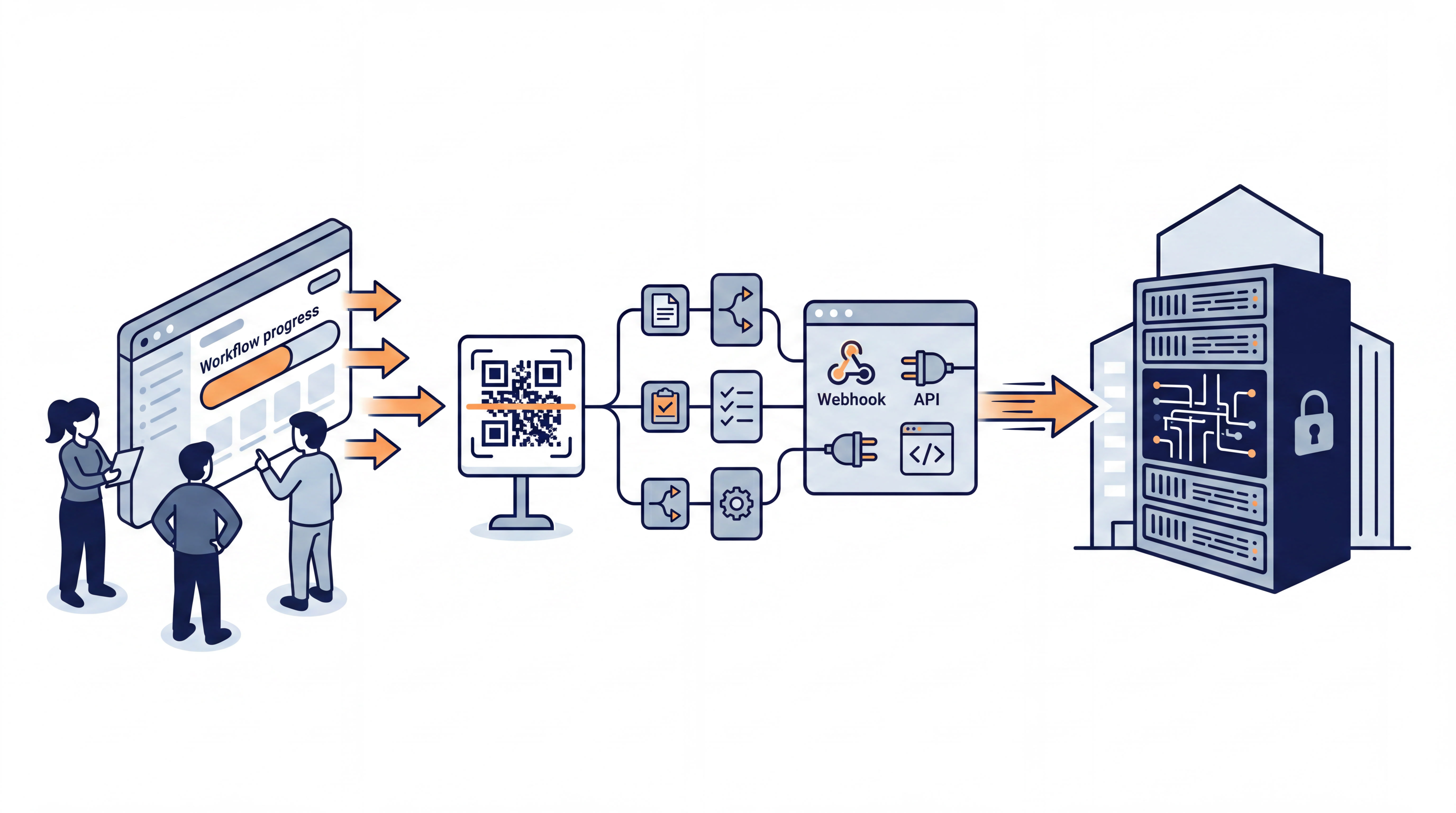
QRcodeon.com sits between the real-world scan and the downstream system response. It gives teams a practical gateway layer for pilots, operational workflows, and integrations — without forcing a full internal application build upfront.
- Physical touchpoints in
- Workflow state and routing in the middle
- Enterprise systems, APIs, webhooks, and dashboards out
Built for workflows that start in the real world
QRcodeon.com is useful when the trigger happens offline, the user should not need a new app, and the enterprise needs a structured event inside an existing process.

Merchant onboarding
Turn a physical merchant interaction into a structured onboarding workflow.
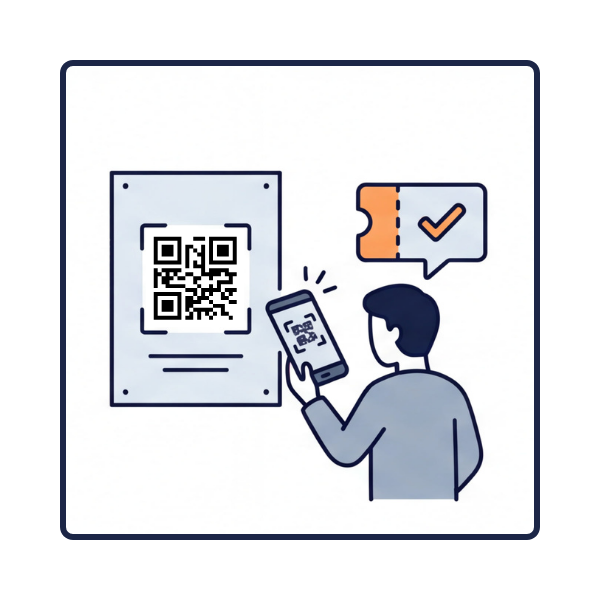
Benefit or voucher request
Launch a benefit, voucher, reimbursement, or request flow from the point of need.
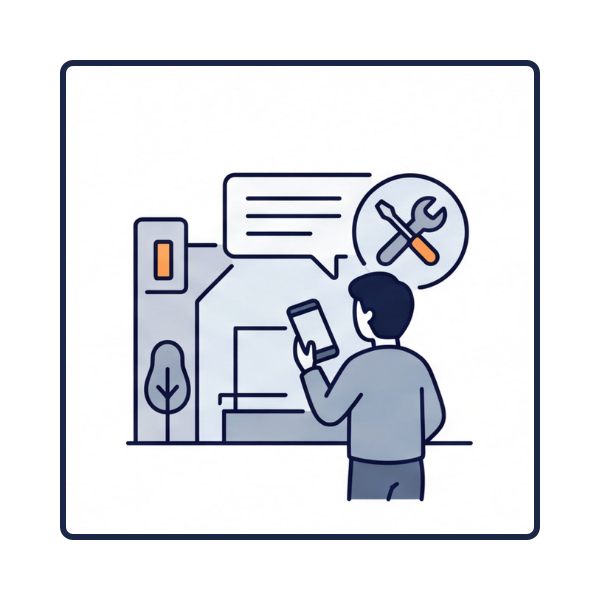
Service issue reporting
Let users report a problem from the exact place where it happens.
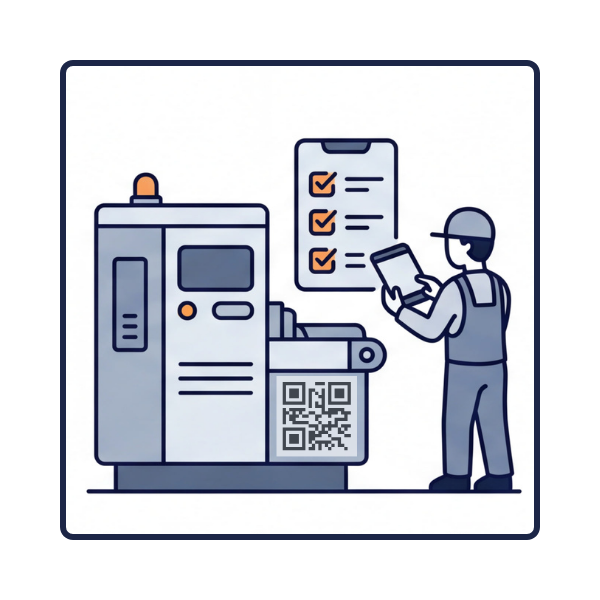
Inspection and checklist
Start asset, room, machine, or safety checks from the scanned object or location.

Handover and proof of presence
Capture who confirmed what, where, and when.
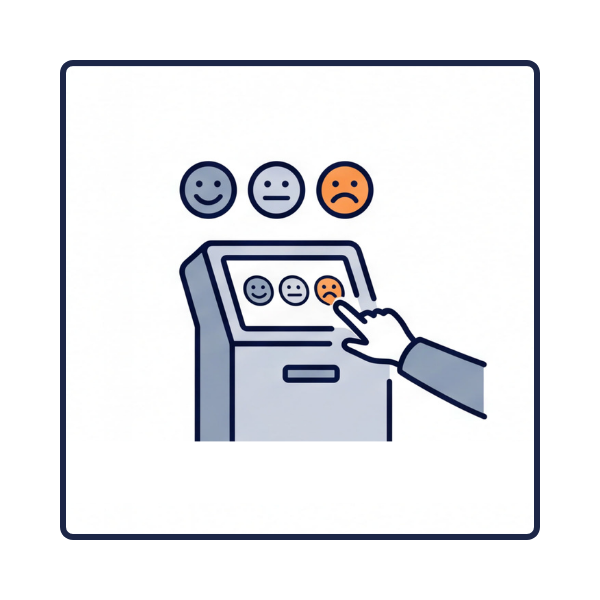
Physical feedback
Collect feedback tied to a real place, merchant, product, or service point and route it into action.
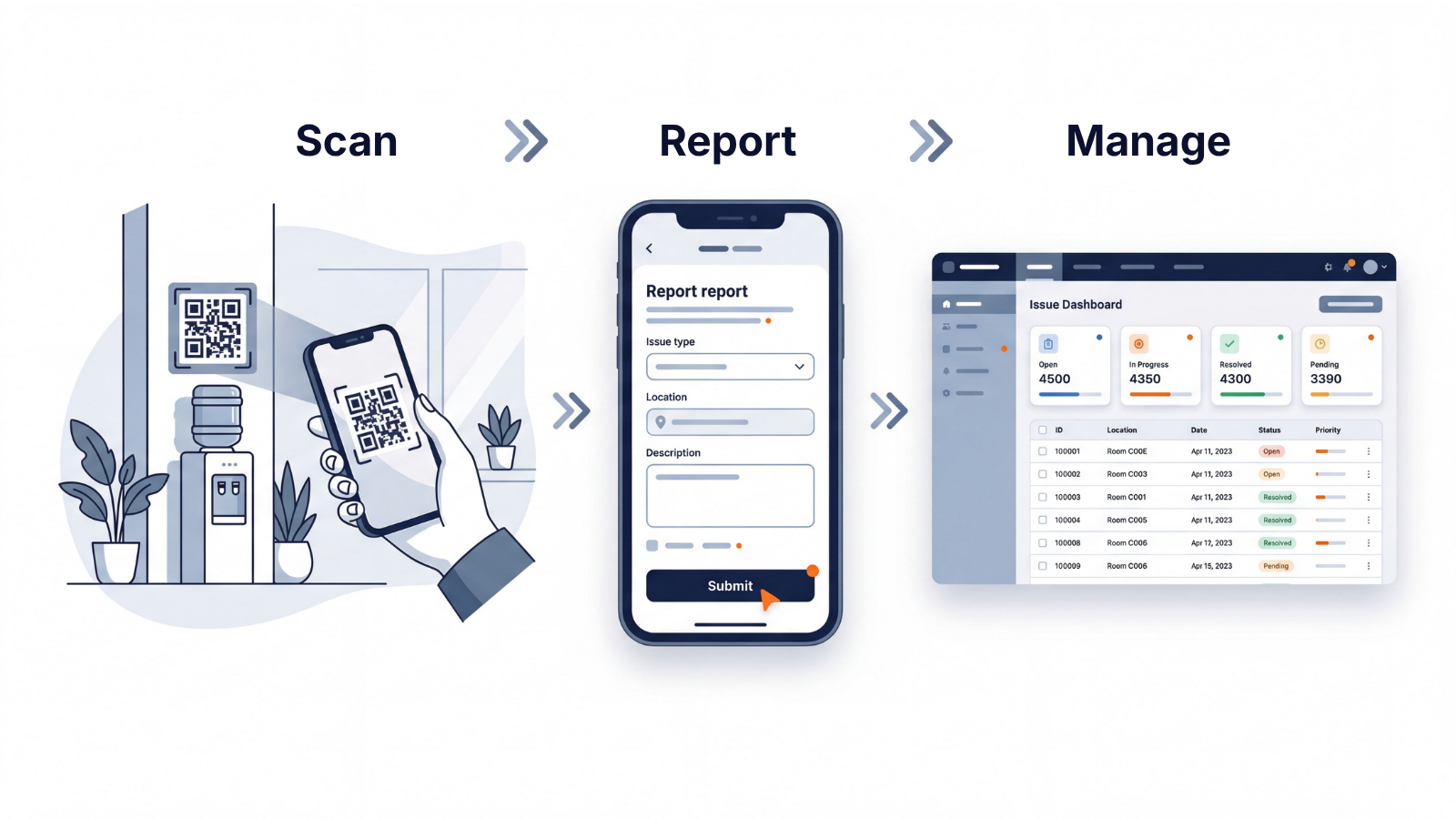
First template: location-based issue reporting
QRcodeon.com already supports a working template for location-based reports. A user scans a QR code, opens a public report page, submits an issue, and the back office can acknowledge, resolve, track SLA, and review operational statistics.
This is one template of the broader platform model: QR-triggered workflows for real-world processes.
- Public scan page
- Location-specific context
- Report lifecycle
- Manager back office
- SLA tracking
- Activity history
- Statistics by group, location, and actor
Launch the pilot before you build the internal product
Many physical-world workflows are too specific for off-the-shelf software, but too early for a full internal build.
QRcodeon.com helps teams test the process first: hosted scan pages, workflow states, manager and operator views, audit trail, API and webhook handoff, and exportable operational data.
Have a workflow that starts in the physical world?
Bring the use case. QRcodeon.com can turn it into a QR-triggered pilot with the right scan page, workflow state, routing, audit, and system handoff.